Account Settings
Each team member manages their own account settings. Go to Account Settings from your profile menu to access the following sections.
Name & photo
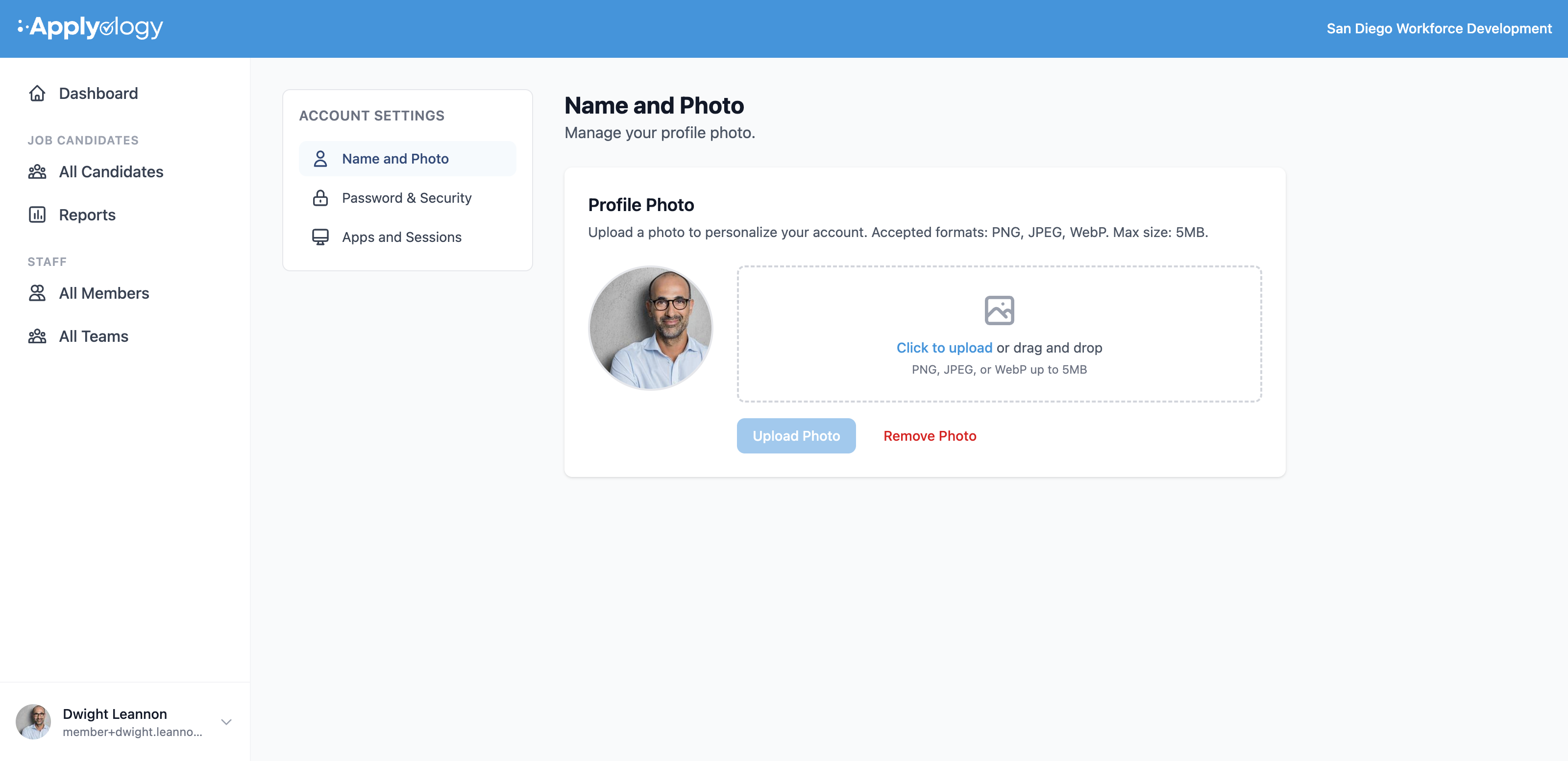
Upload or remove your profile photo. This avatar is shown throughout the app wherever your account appears.
Password & security
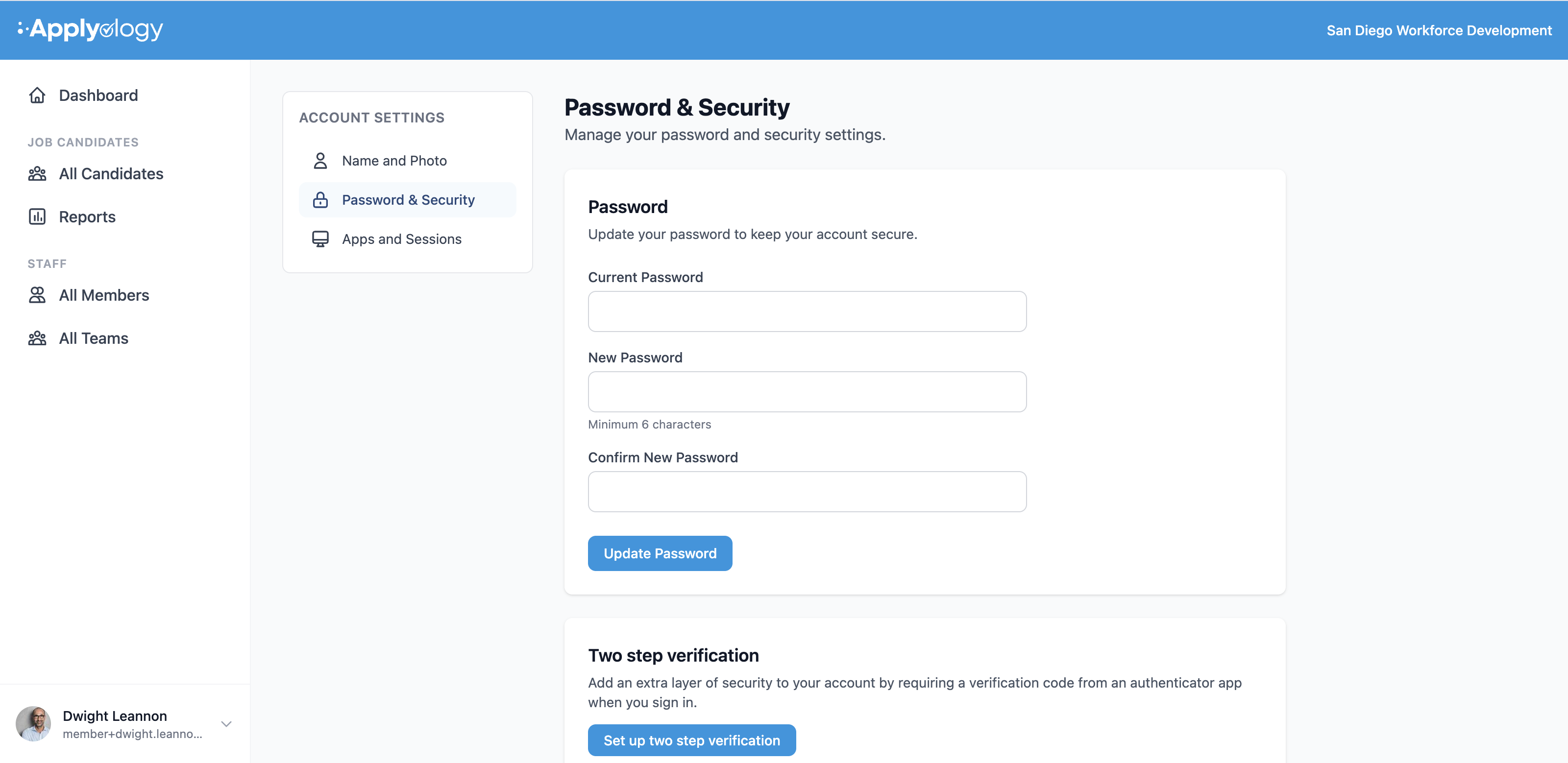
Update your password by entering your current password and choosing a new one (minimum 6 characters). You can also set up two-step verification to require a code from an authenticator app when you sign in.
Apps & sessions
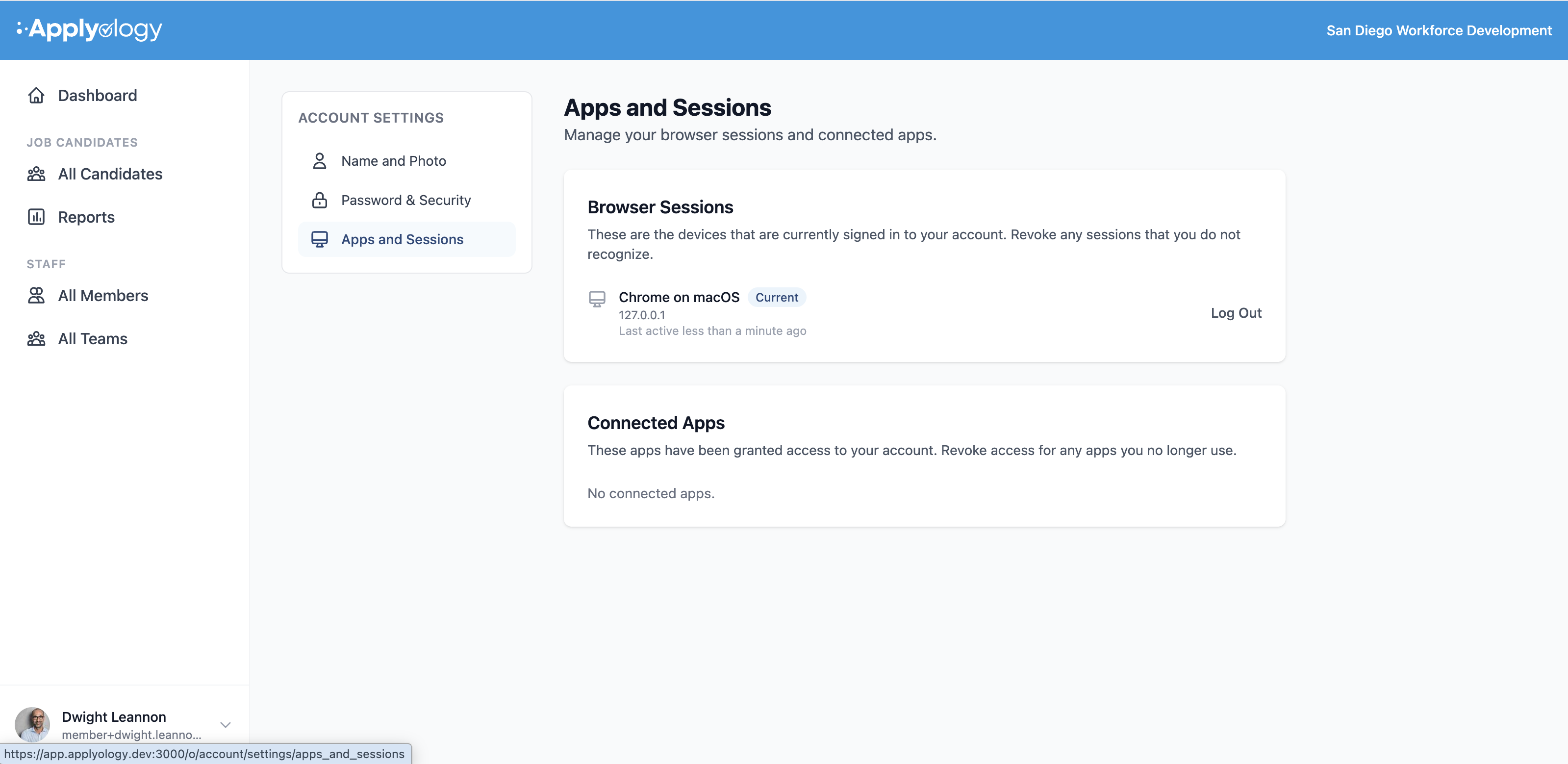
Review your Browser Sessions - the devices currently signed in to your account - and Log Out any you don't recognize (your current session is marked Current). Connected Apps lists any third-party apps that have been granted access, which you can revoke at any time.