Install the Browser Extension
The Applyology browser extension will be available in Phase 2 of the Early Access Pilot. In the meantime, get a head start by completing your profile so you're ready to hit the ground running when it launches.
The Applyology browser extension is how you apply to jobs. It detects application forms on employer websites and fills them in using your profile data.
Install
After completing onboarding, you'll be prompted to download the browser extension.
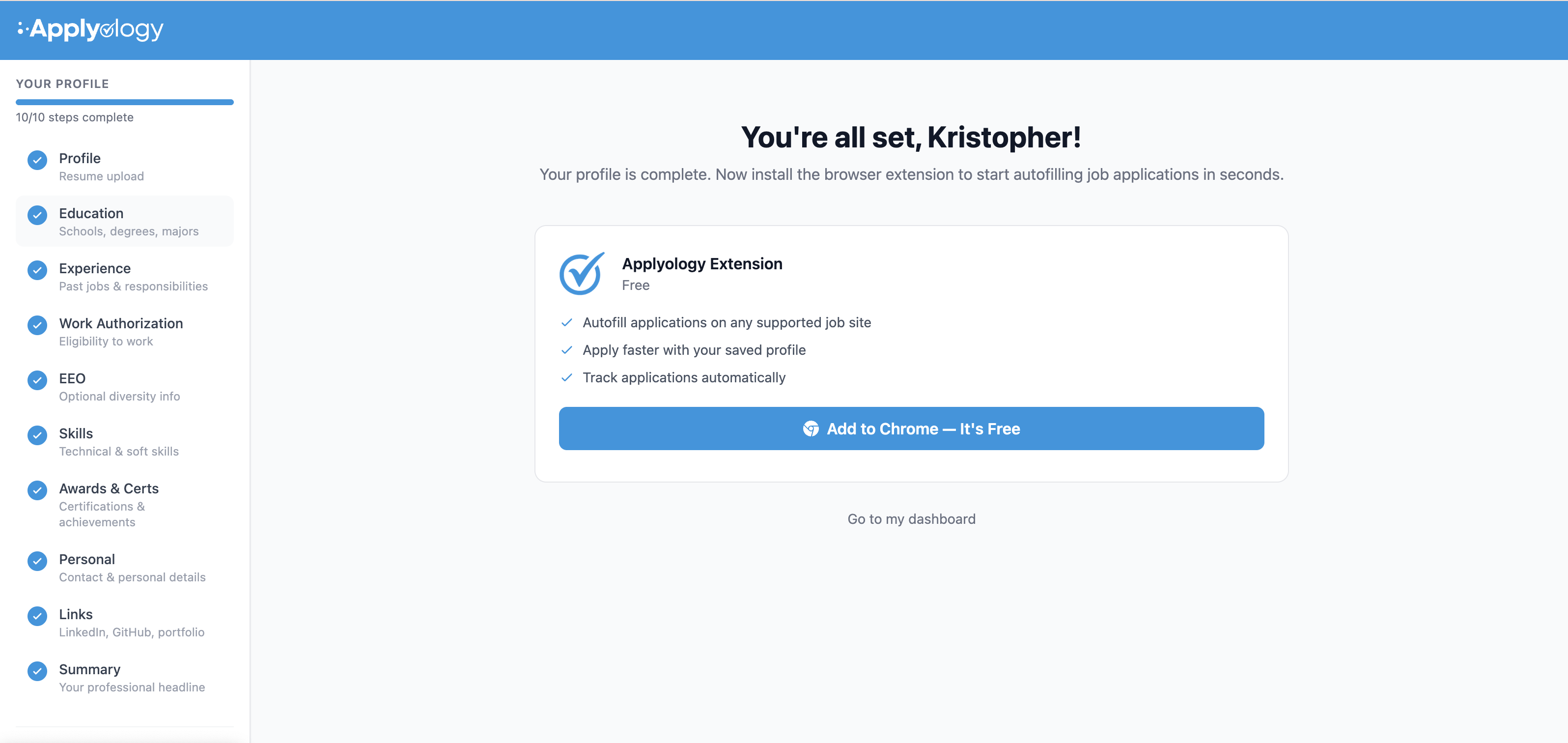
Download and install the extension, then pin it to your browser toolbar for easy access.
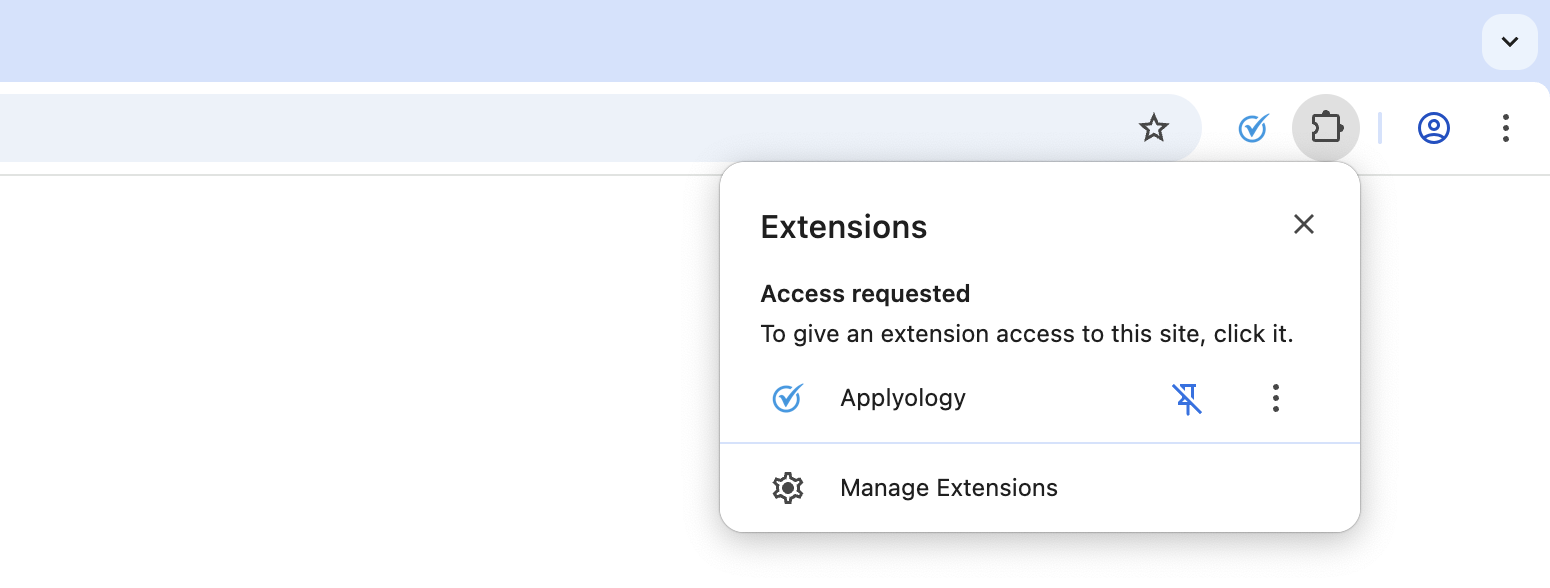
Connect your account
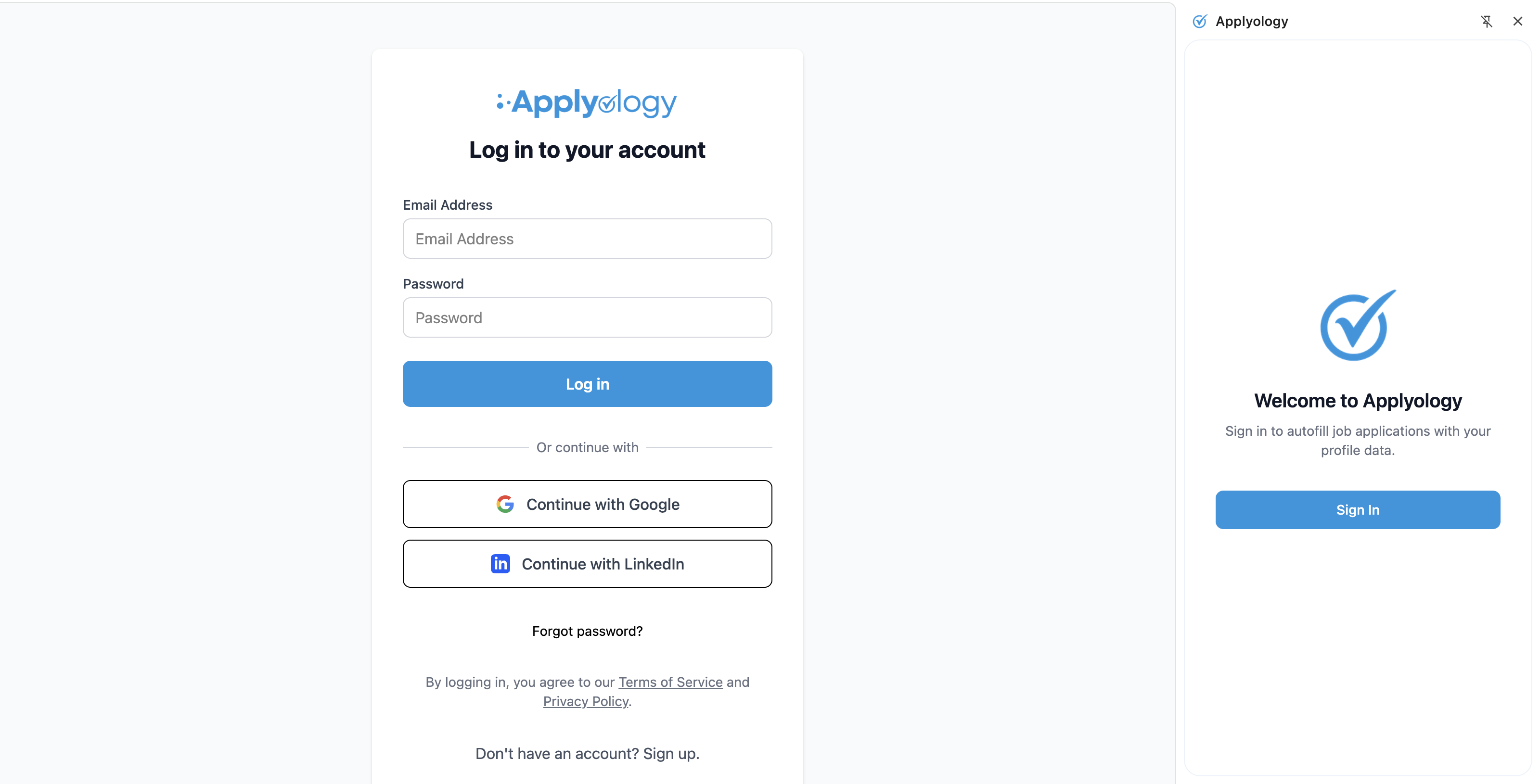
Click the Applyology icon to open the extension, then sign in with your Applyology credentials.
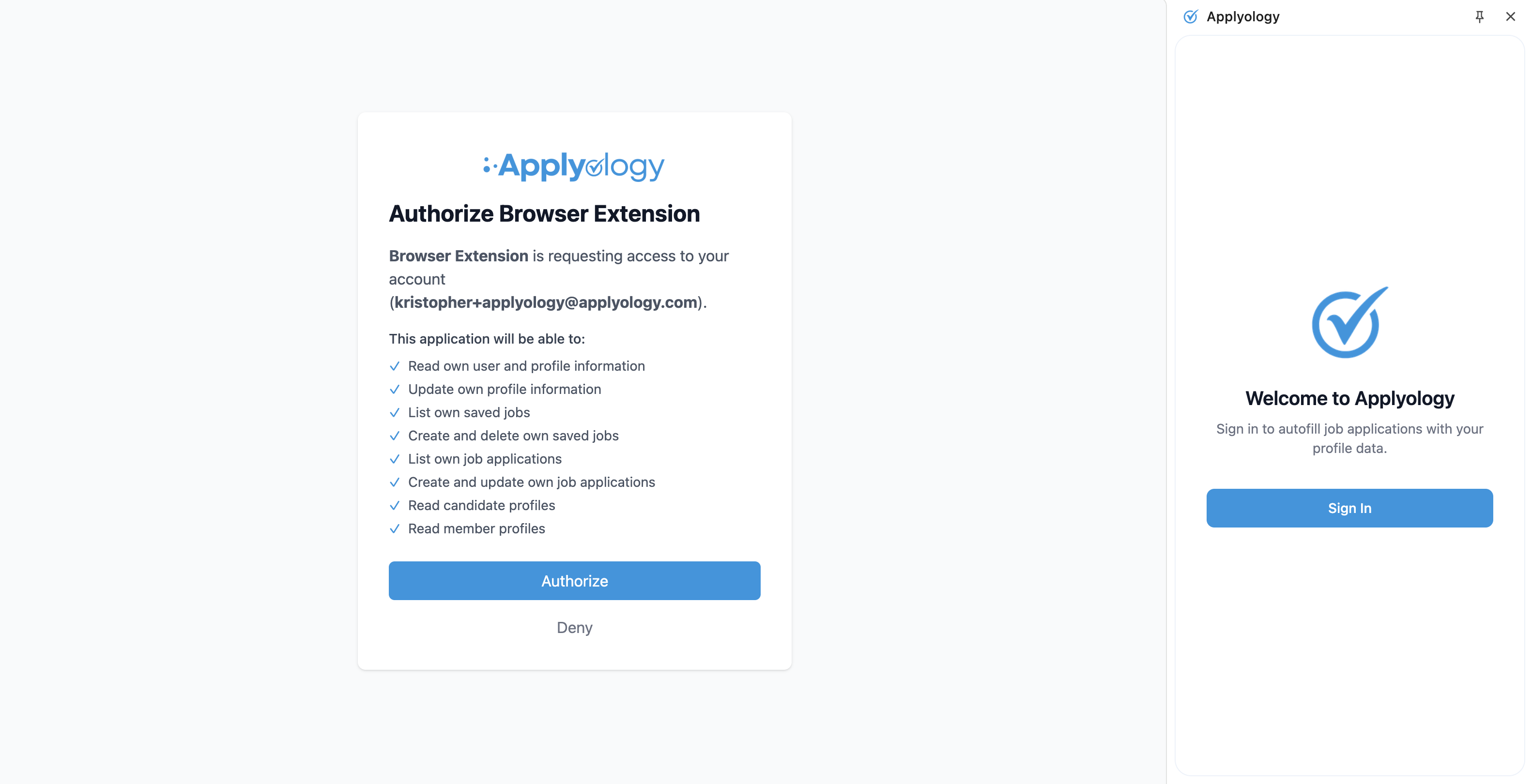
You'll be asked to authorize the extension to access your account.
You'll see a confirmation that your account is connected.
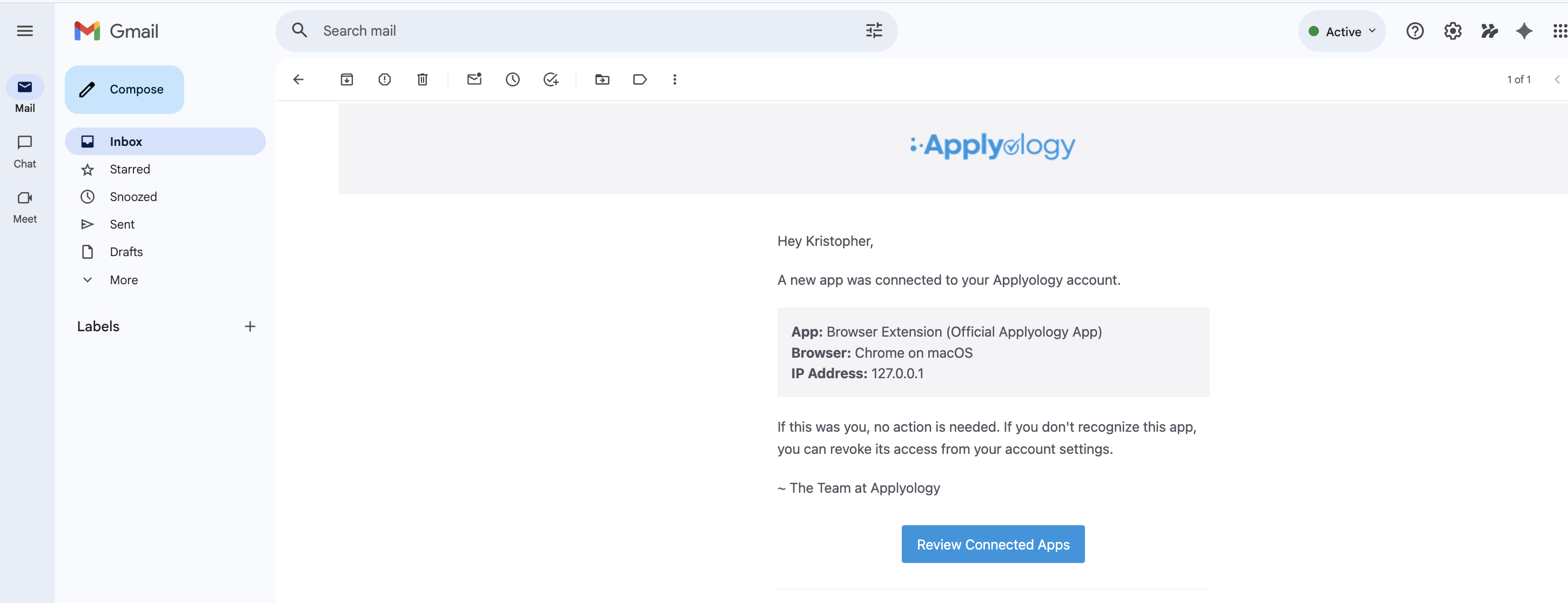
Your saved jobs and application sessions are accessible directly from the extension.
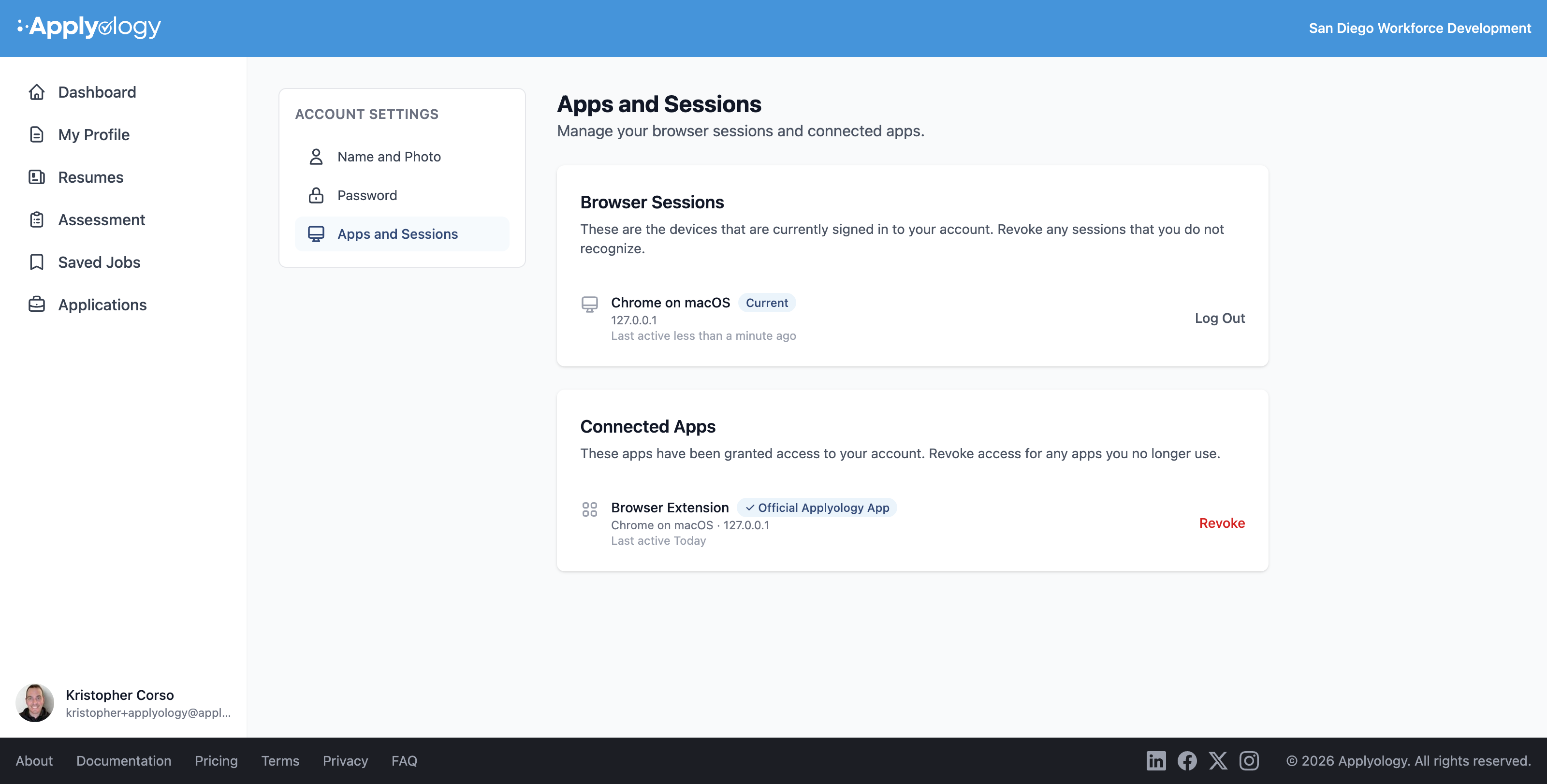
You only need to do this once — the extension stays connected across browser sessions.
What the extension does
- Detects job postings — recognizes when you're viewing a job listing and lets you save it
- Detects application forms — identifies form fields on employer application pages
- Autofills your information — maps your profile data to the right fields
- Tracks your progress — keeps a record of saved jobs, in-progress applications, and completed submissions