Getting Help & Feedback
There are a few ways to get help and share feedback with the Applyology team. The same options are available to candidates and organizations, in both the web app and the browser extension.
In the app
Every main page in your side navigation has a ? help icon next to its title. Click it to open the documentation for that section in a new tab.
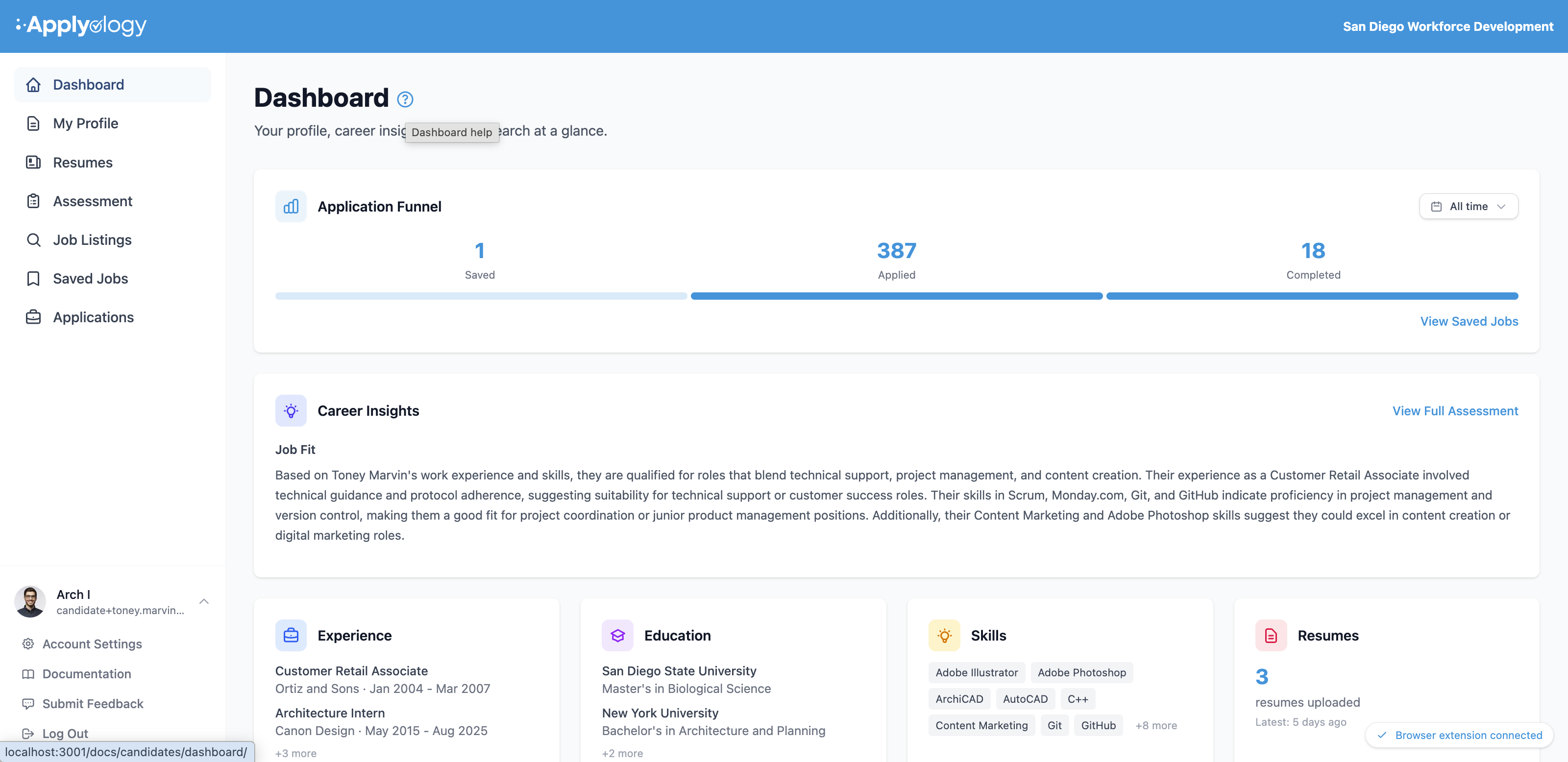
You'll find two more options in your account menu - click your name and avatar in the bottom-left:
- Documentation - opens this documentation site.
- Submit Feedback - opens the feedback form (see below).
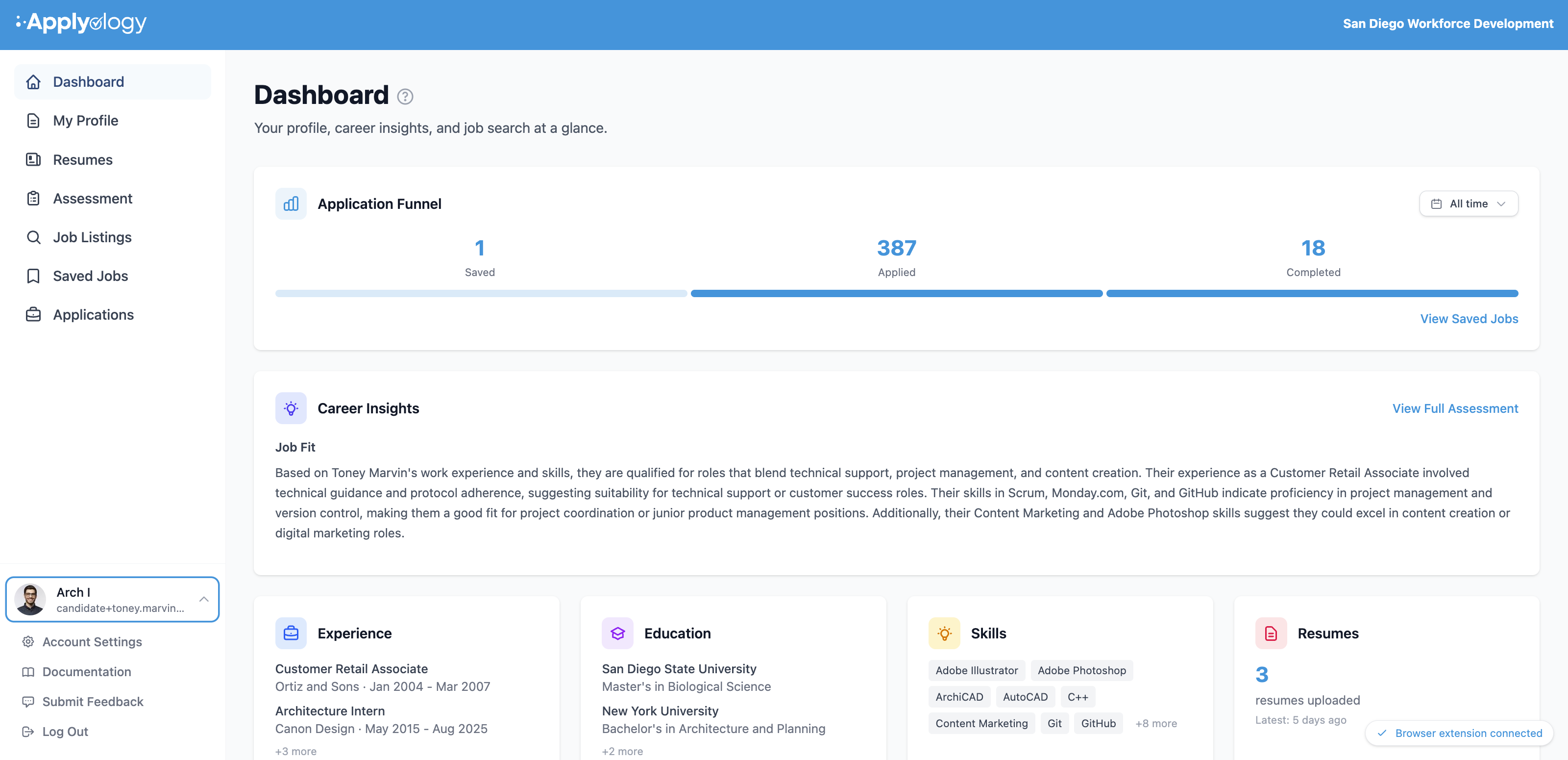
Submit feedback
Open Submit Feedback from your account menu, choose a category, write your message, and send it.
- Category - Bug Report, Feature Request, or Something Else.
- Message - tell us what's on your mind. The page you're on is attached automatically for context.
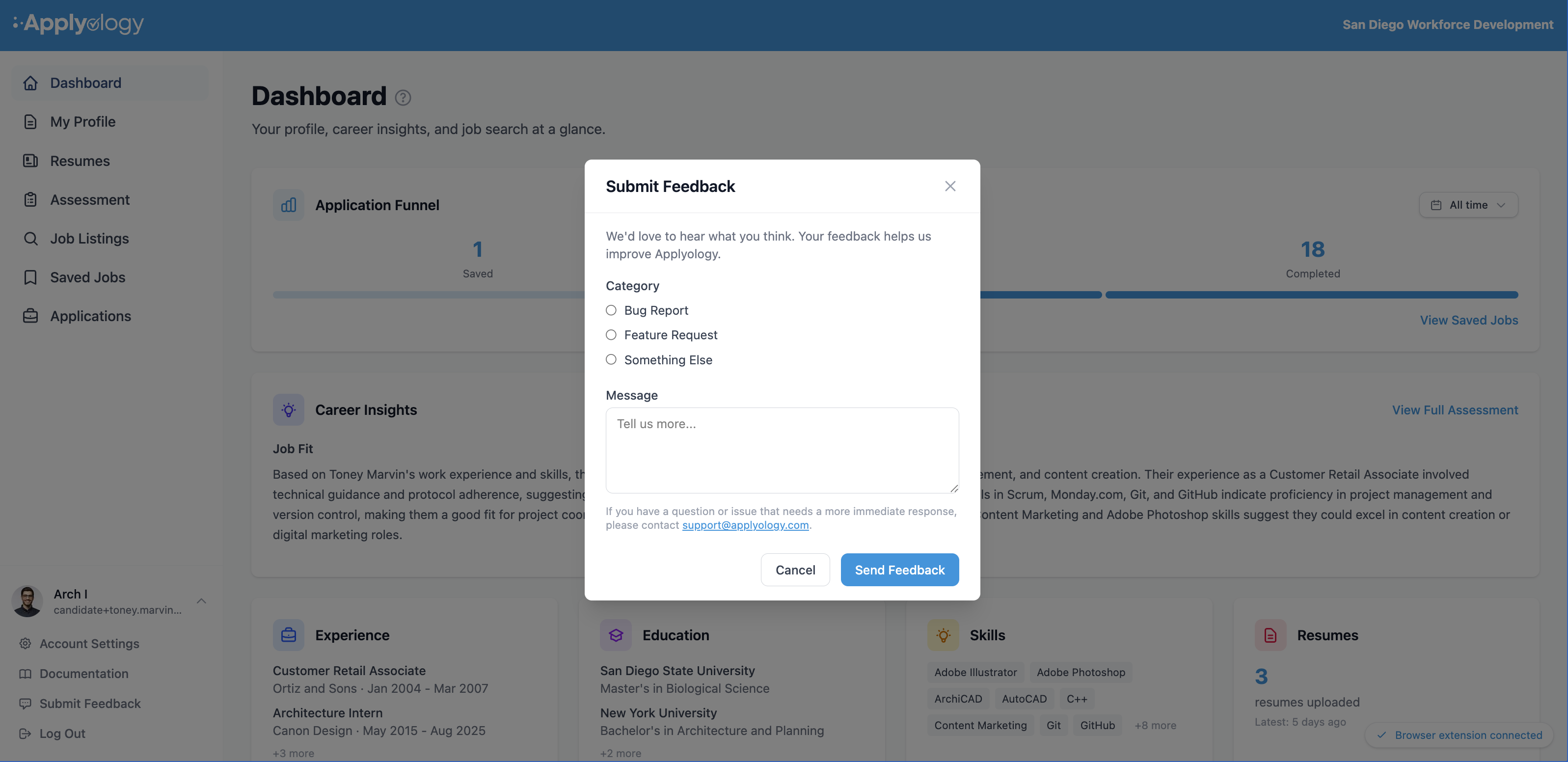
Feedback goes straight to our team. If you have a question or issue that needs a more immediate response, email support@applyology.com.
In the browser extension
The browser extension has the same help and feedback options.
- The ? icon in the panel header opens the extension documentation in a new tab.
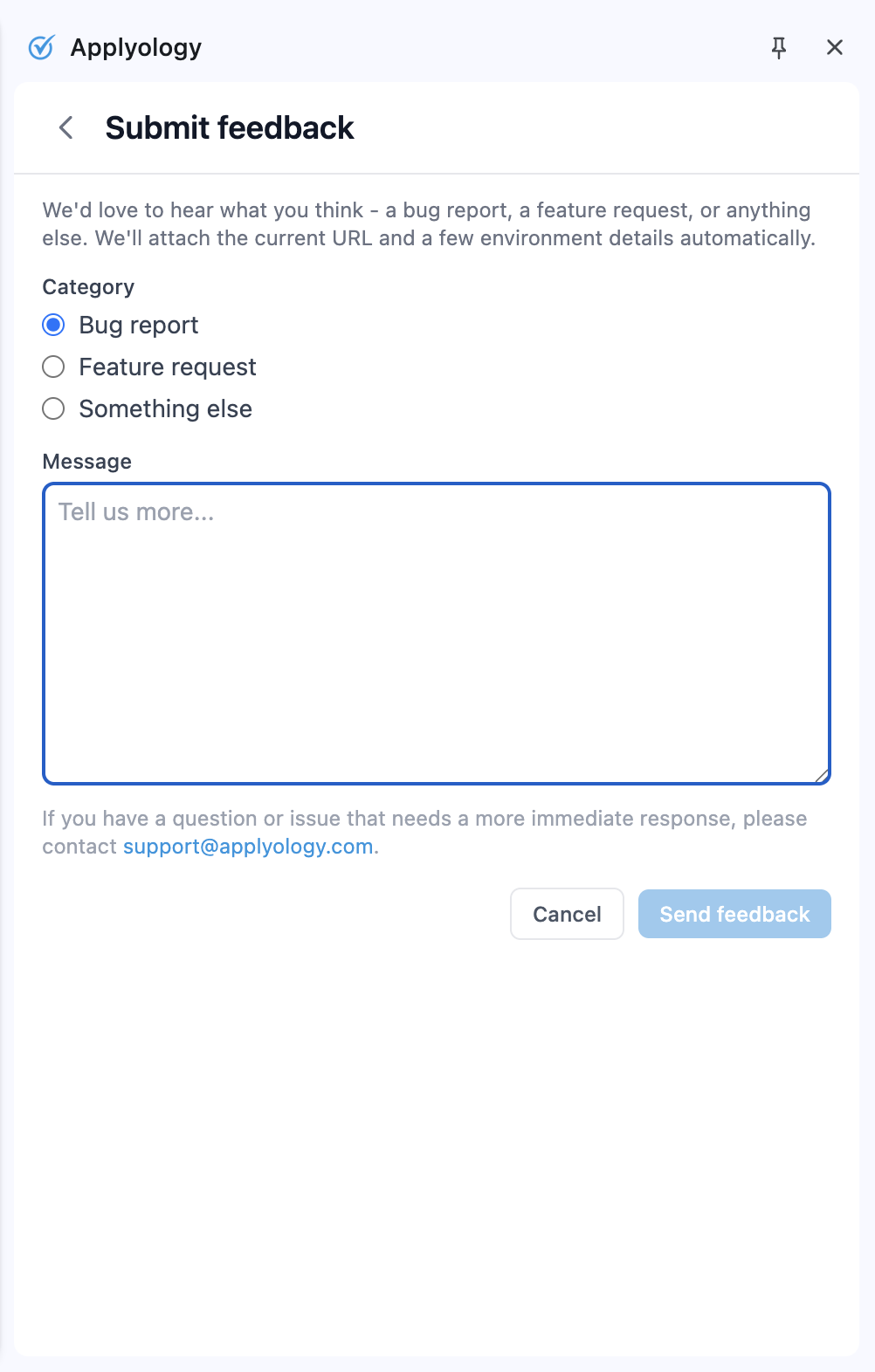
- Submit feedback at the bottom of the panel opens the feedback form.
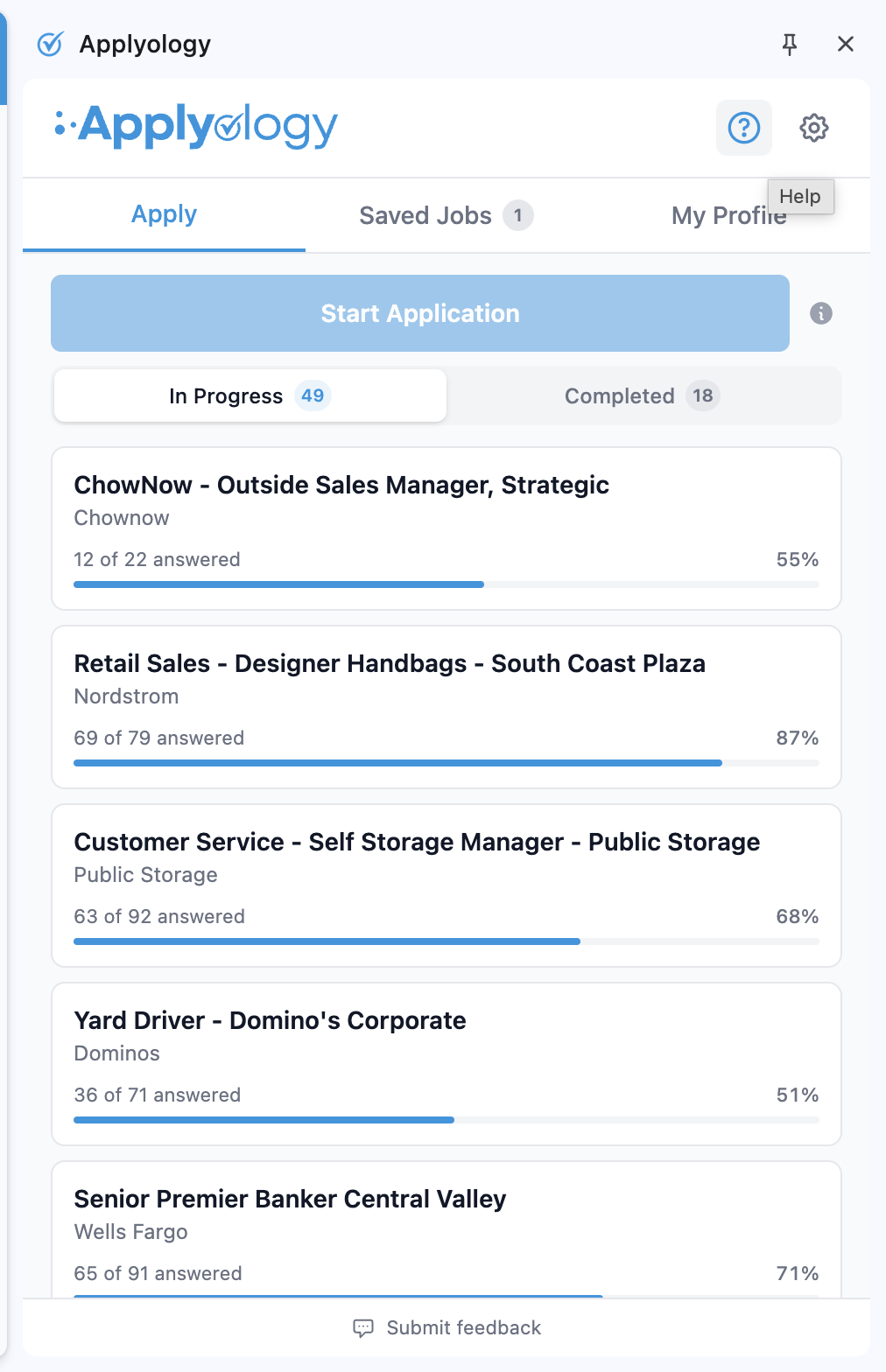
The extension's feedback form works just like the app's - pick a category, write your message, and send. It also attaches the current page and a few environment details automatically to help us track down issues.
As in the app, for anything that needs a more immediate response, email support@applyology.com.