Assessment
The Assessment page is your job search command center. It gives you a live view of your search activity and smart insights about your career.
The page needs at least some profile data (work experience or skills) or a saved job to populate. If you haven't added anything yet, you'll be prompted to complete your profile and start saving jobs first.
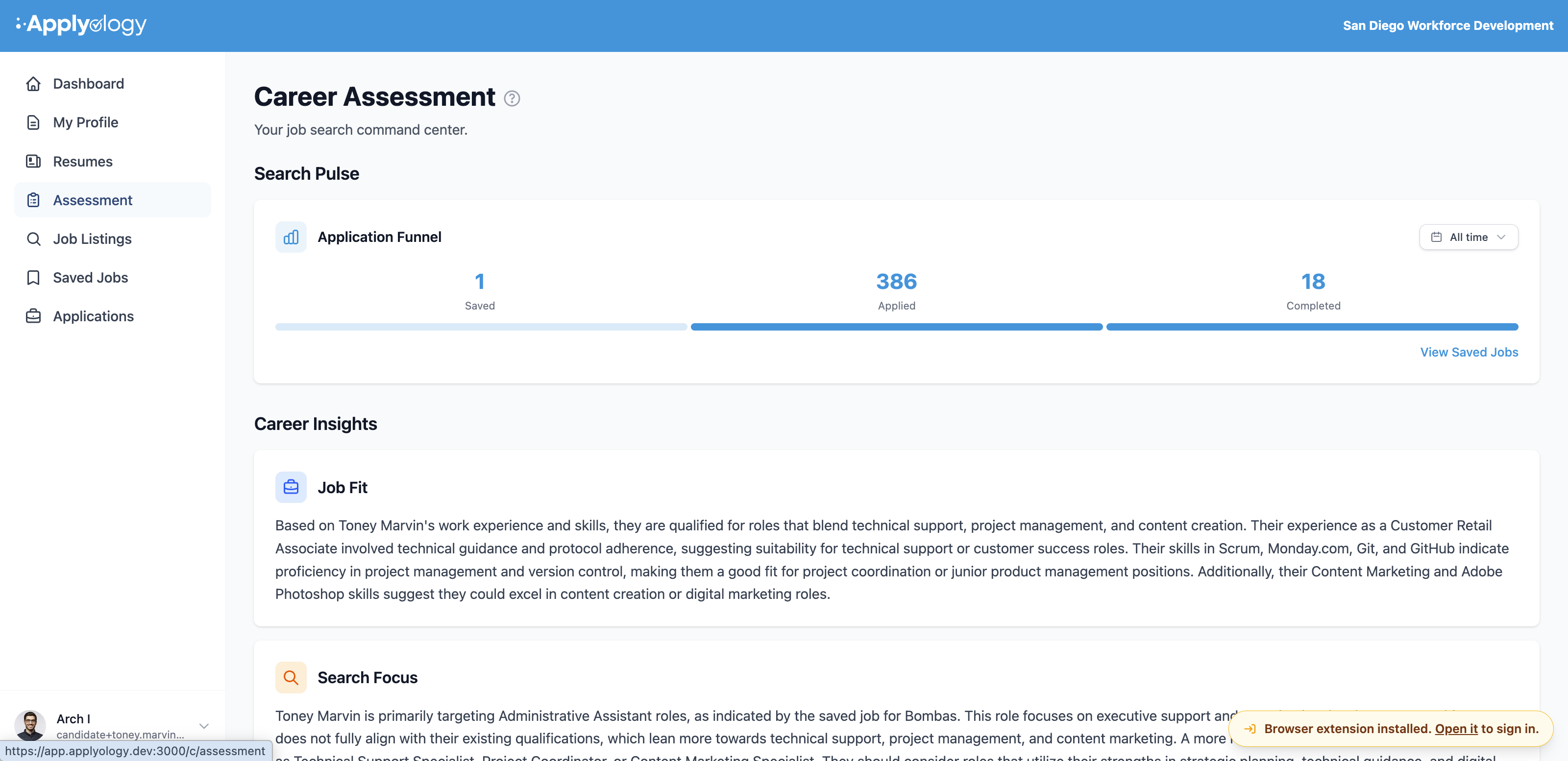
Application Funnel

The Search Pulse section tracks your search with an Application Funnel - a three-stage view of how your saved jobs move through the pipeline:
- Saved - jobs you've saved
- Applied - applications you've started
- Completed - applications you've submitted
Use the dropdown in the top right to filter the funnel by time period - Last 7 days, Last 30 days, Last 90 days, Last 12 months, or All time (the default). A View Saved Jobs link takes you to your Saved Jobs. The funnel fills in as you save jobs and apply to them.
Career Insights
Once you have at least one of the following - work experience, skills, or saved jobs - Applyology automatically generates personalized Career Insights. These can include:
- Job Fit - how well your background aligns with the types of roles you're targeting
- Search Focus - guidance on where to direct your job search efforts
- Growth Recommendations - suggestions for advancing your career
- Areas for Improvement - gaps between your current profile and your target roles
- Skills You Need - specific skills to add, with a link to update your profile
- Compensation Context - salary context based on your experience and target roles (shown when meaningful salary data is available)
You can regenerate your Career Insights at any time from the bottom of the section.