Create Your Profile
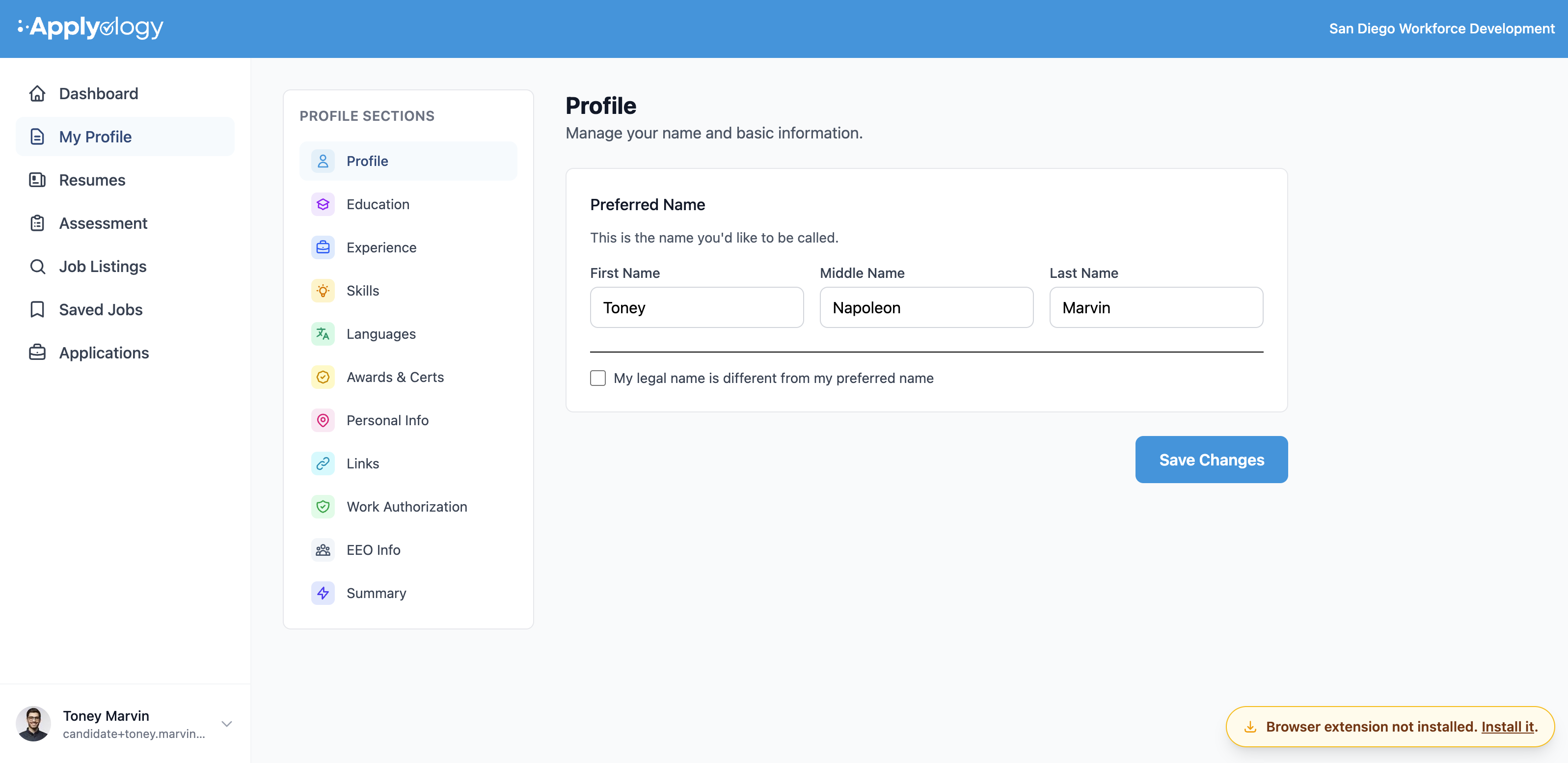
Your Applyology profile is a single, structured master profile that powers every application you submit. Instead of retyping the same information on every job board, you fill it out once and reuse it everywhere.
Sign up
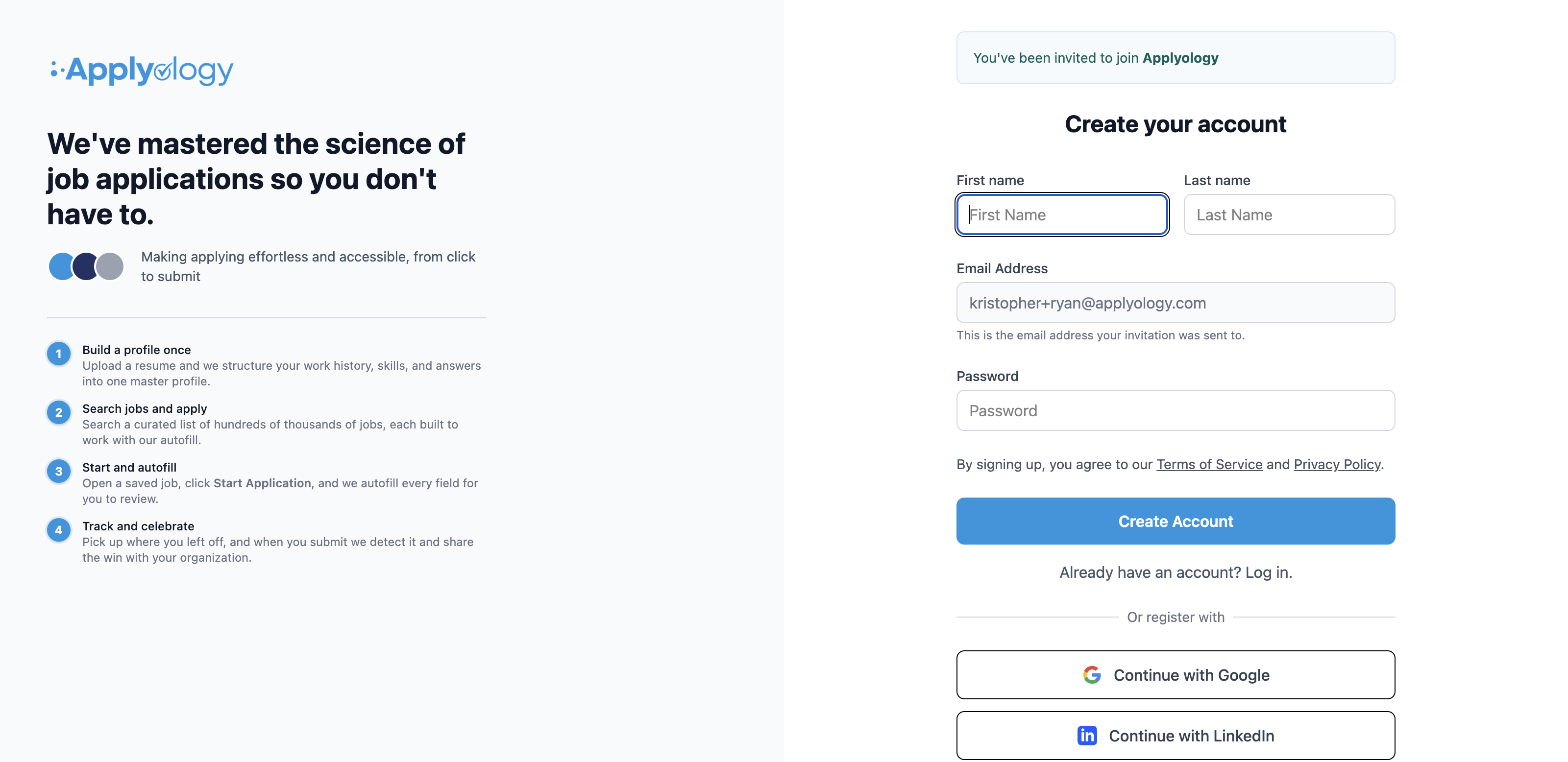
Your organization will invite you to Applyology. Follow the link in your invitation email to create your account - enter your name and a password, or register with Google or LinkedIn.
Upload your resume
During onboarding, you can upload an existing resume (PDF, DOC, or DOCX up to 5 MB). Applyology analyzes it and structures your information automatically, work history, education, skills, and more. PDFs are recommended for best results when submitting job applications.
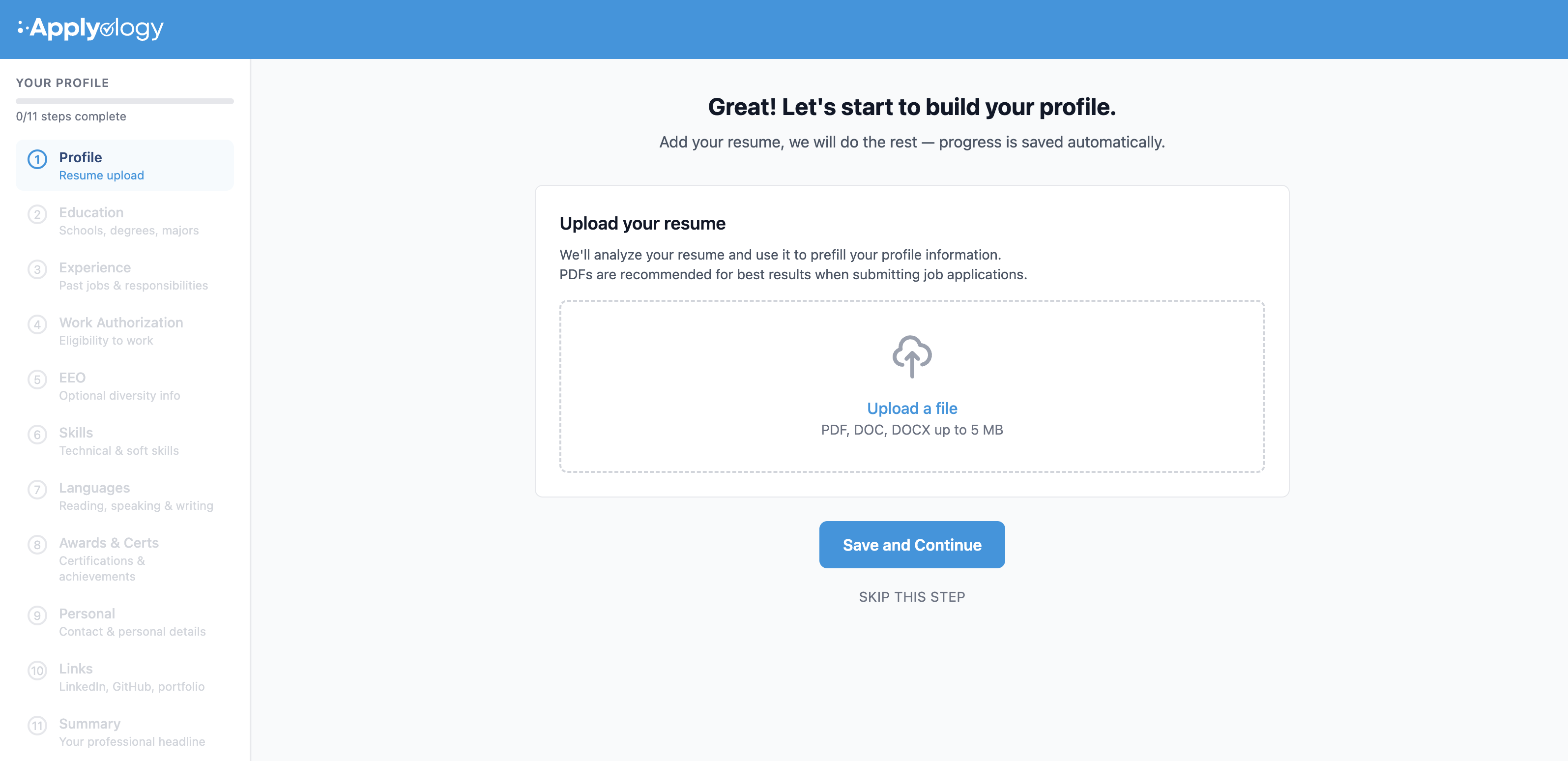
You can also skip the upload and enter everything manually.
Complete onboarding
The onboarding wizard walks you through each section of your profile - a progress sidebar tracks your steps, and it takes about five minutes.
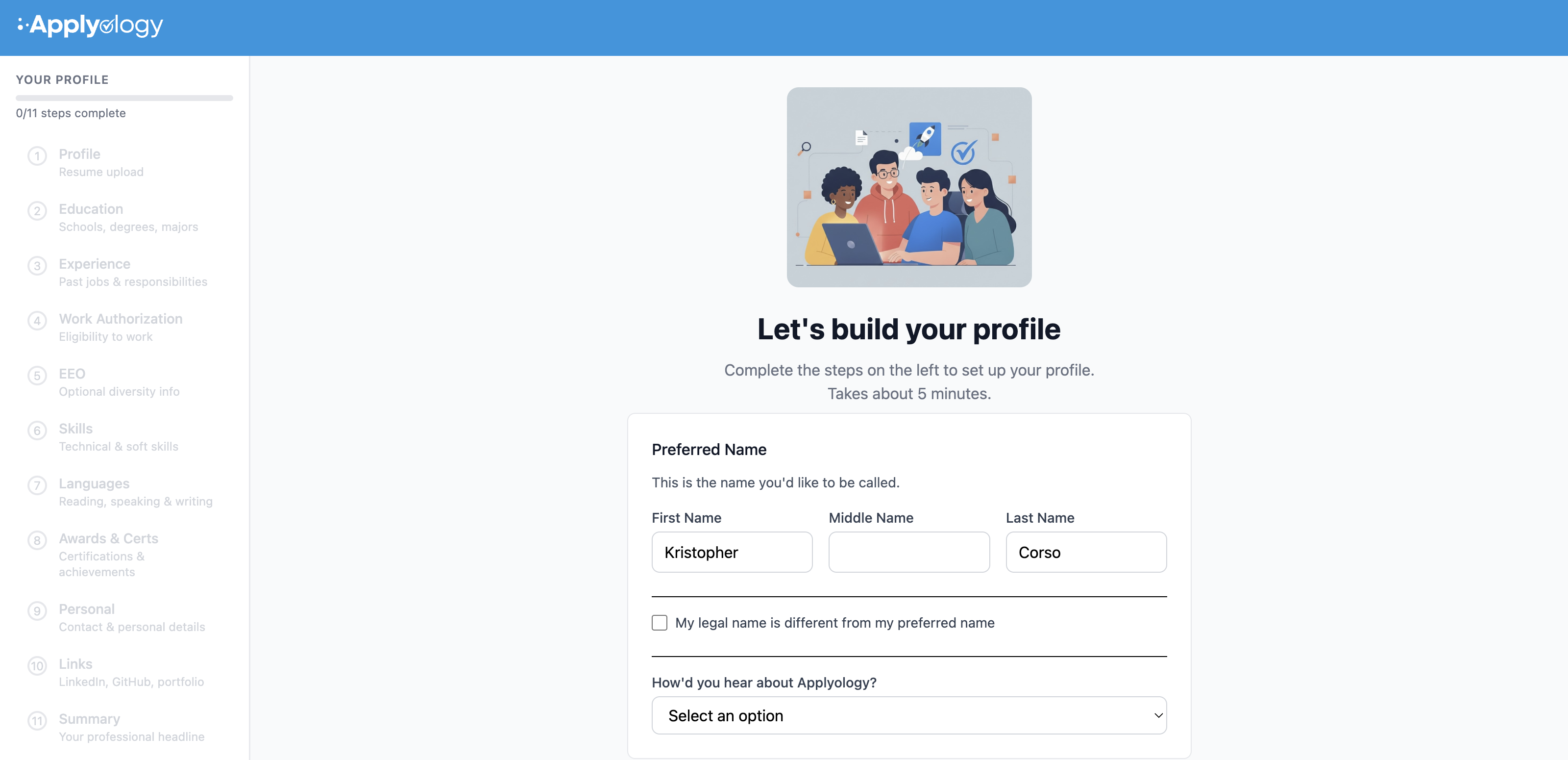
The wizard covers each section of your profile:
- Personal info - name, legal name (if different), contact details, and location
- Education - schools, degrees, and dates
- Work experience - job titles, companies, descriptions, and dates
- Work authorization - visa status and whether you require sponsorship
- EEO information - optional equal employment opportunity data
- Skills - your skills
- Languages - the languages you use, with reading, speaking, and writing proficiency for each
- Awards and certifications - professional recognitions
- Links - LinkedIn, GitHub, portfolio, or other URLs
- Professional summary - a brief overview of your background and goals
Every section is optional - fill in as much or as little as you want. You can always come back and update your profile later from the My Profile section of your dashboard, where each section has its own page.