Saved Jobs
Saved Jobs is where you keep track of roles you're interested in. Each saved job is automatically assessed against your profile and gets a tailored resume generated for it.
Save a job from the extension
When you're on a job posting in your browser, open the Applyology extension and tap Save Job in the action bar (next to Start application). The role is saved to your account immediately.

The fastest way to find a job to save is the Employers tab. It lists curated companies hiring through Lever and Greenhouse — tap one to browse open roles right inside the extension.
Where saved jobs appear
Saved jobs show up in two places:
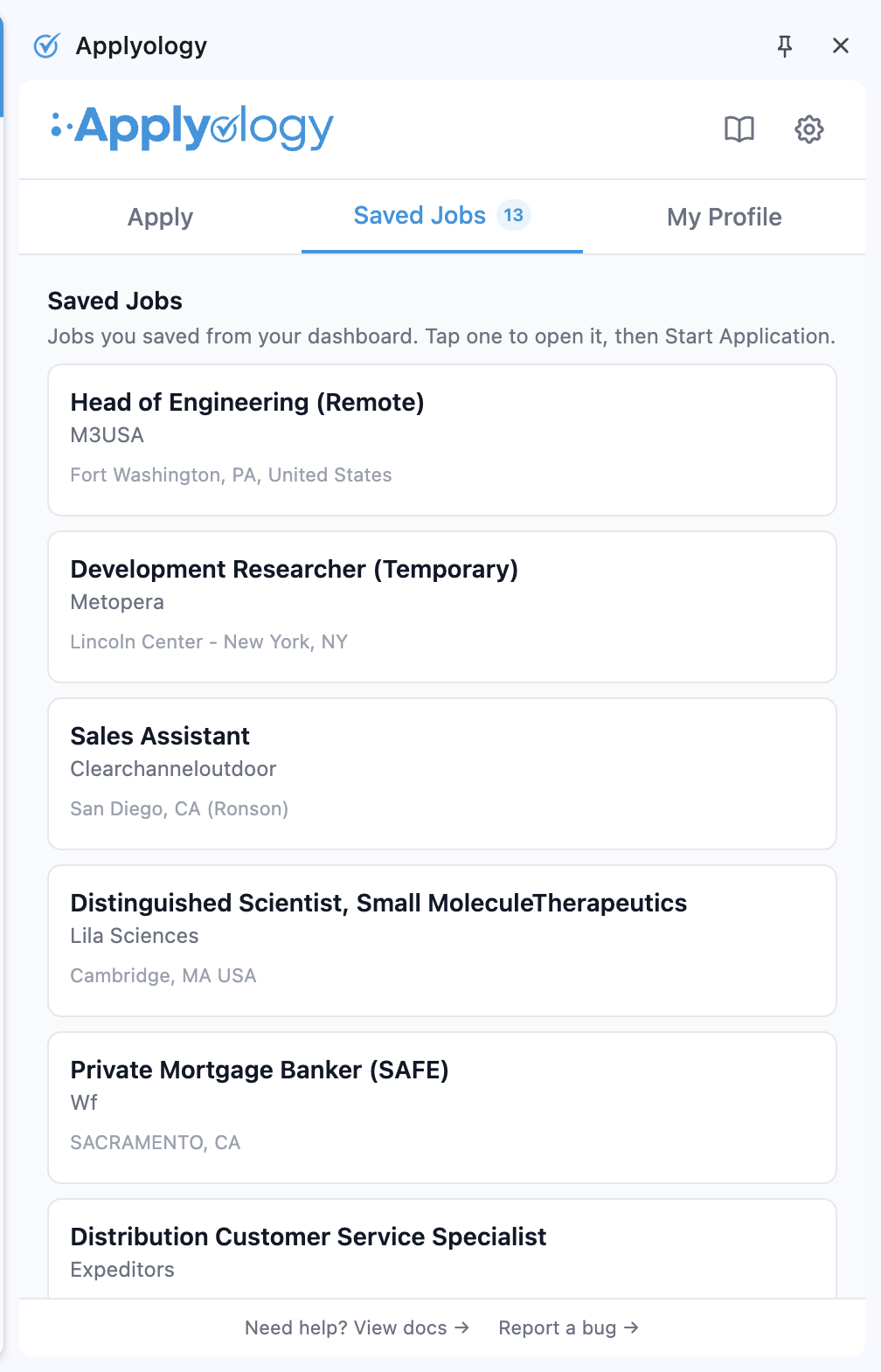
- Apply tab → Saved segment (in the extension) — a quick list with title, company, and location. If you reopen the extension on the same posting, the card gets an animated On This Page badge so you can confirm you're back on the right URL.
- Saved Jobs page (
/c/saved_jobsin the dashboard) — the full view with match score, strengths/gaps breakdown, and tailored resume actions.

On the dashboard, the Saved Jobs page shows the same roles with the match score, strengths/gaps breakdown, and tailored-resume actions.

Job details
Each saved job shows:
- Job title, company, location, and salary range (when available)
- The source domain and when it was saved
- A match score showing how well your profile aligns with the role
- A summary and breakdown of your strengths and gaps for that role
If a job fails to load or isn't recognized as a job posting, it will be flagged accordingly. You can remove any saved job at any time, from either the extension or the dashboard.
Match score and tailored resume
Once a job is saved, Applyology automatically assesses your profile against it and generates a tailored resume. The match score reflects how well your background aligns with the job's requirements:
- 75%+ — strong match
- 50–74% — moderate match
- Below 50% — weak match
If the match is too low to be useful, Applyology will flag the role as not recommended rather than produce a stretched resume. You'll see an explanation of the gaps and suggestions for what to work on.
You can Reassess any saved job at any time to refresh the match score and tailored resume based on your latest profile.
Tailored resume
For jobs with a strong enough match, Applyology generates a tailored resume optimized for that specific role. The resume uses a clean, single-column layout designed to pass through applicant tracking systems (ATS) without errors.
From the tailored resume page you can:
- View the full resume with included and excluded sections highlighted
- Download as PDF for submitting to the employer
Removing a job
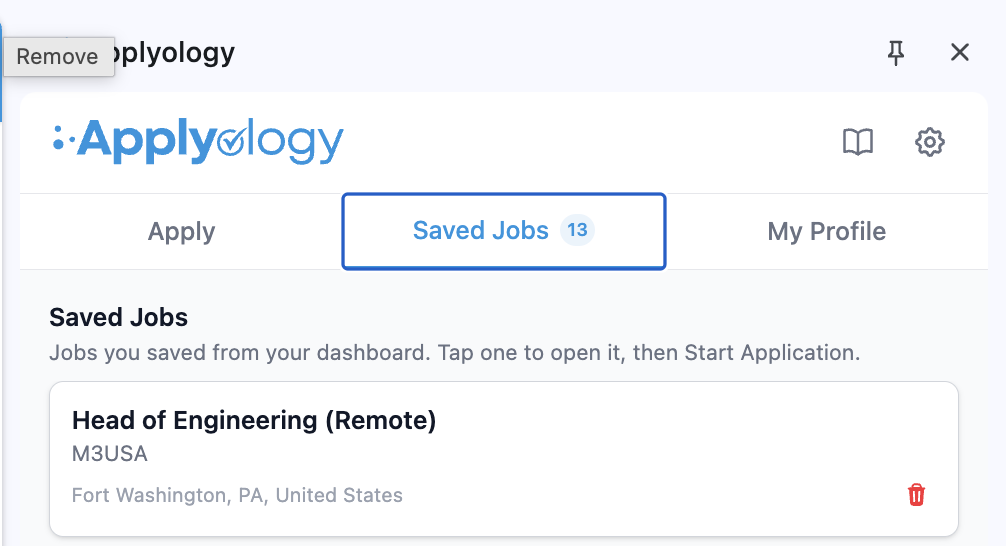
Hover a card in the extension's Saved segment and click the trash icon to remove it, or click Remove on a saved job in the dashboard. Removal is immediate — the role is deleted from both places.