Account Settings
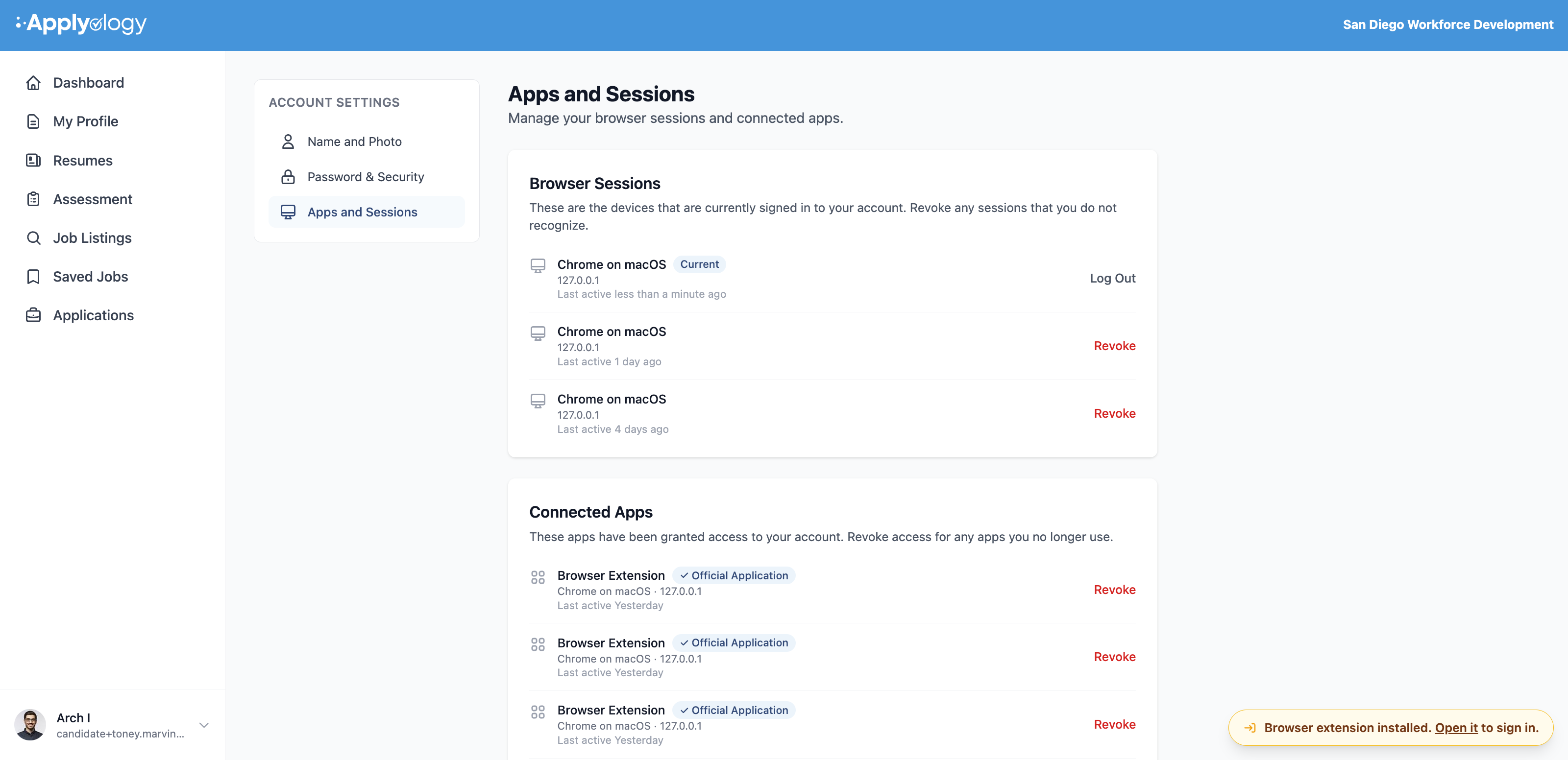
Manage your own account from Account Settings in your profile menu. It has three sections.
Name and photo
Update your display name and upload or remove your profile photo (PNG, JPEG, or WebP, up to 5MB). This avatar is shown throughout the app wherever your account appears.
Password & security
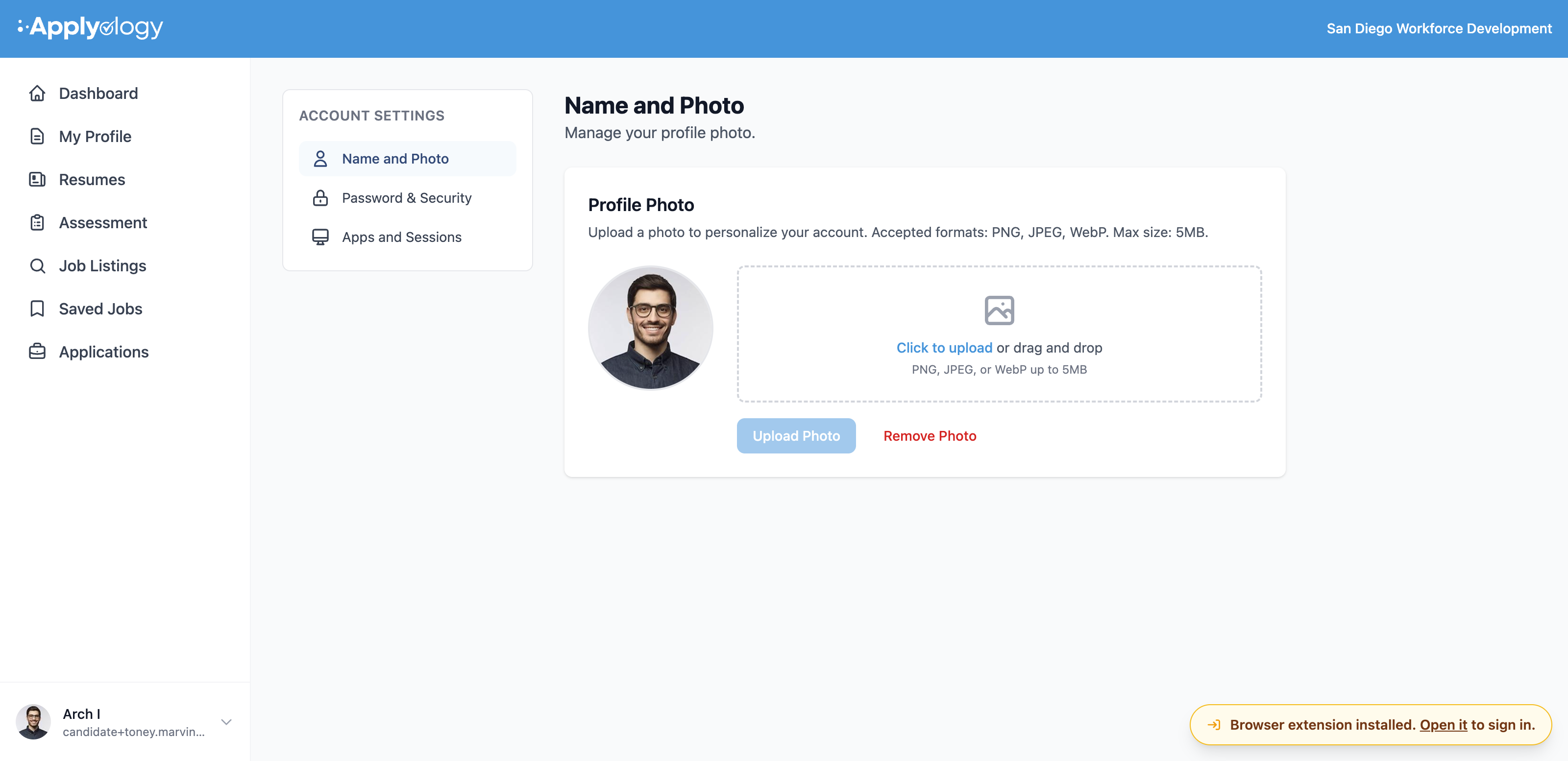
Update your password by entering your current password and choosing a new one (minimum 6 characters). You can also set up two-step verification to require a code from an authenticator app when you sign in.
Apps & sessions
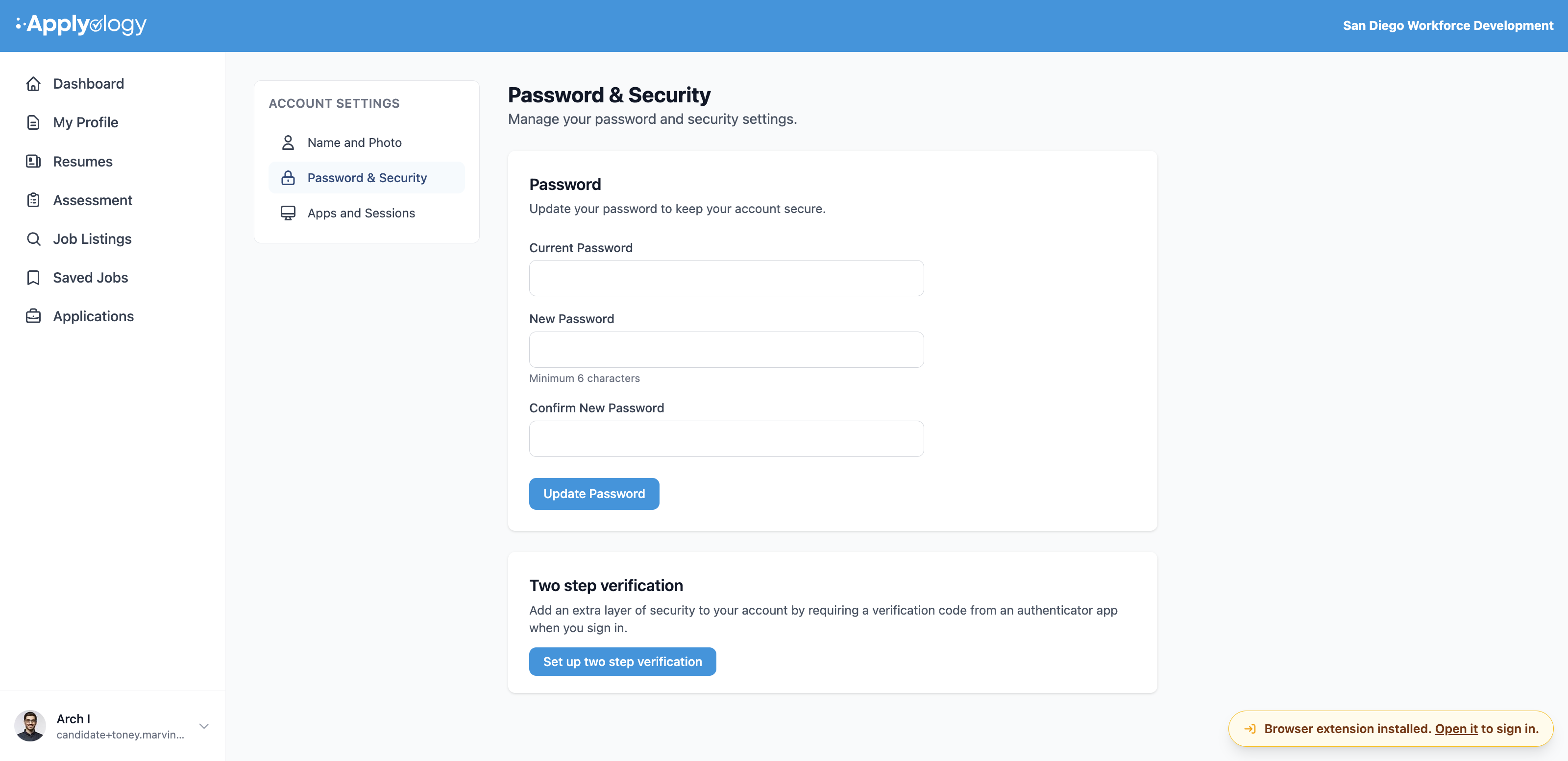
Review your Browser Sessions - the devices currently signed in to your account - and Log Out any you don't recognize (your current session is marked Current). Connected Apps lists any third-party apps that have been granted access, which you can revoke at any time.